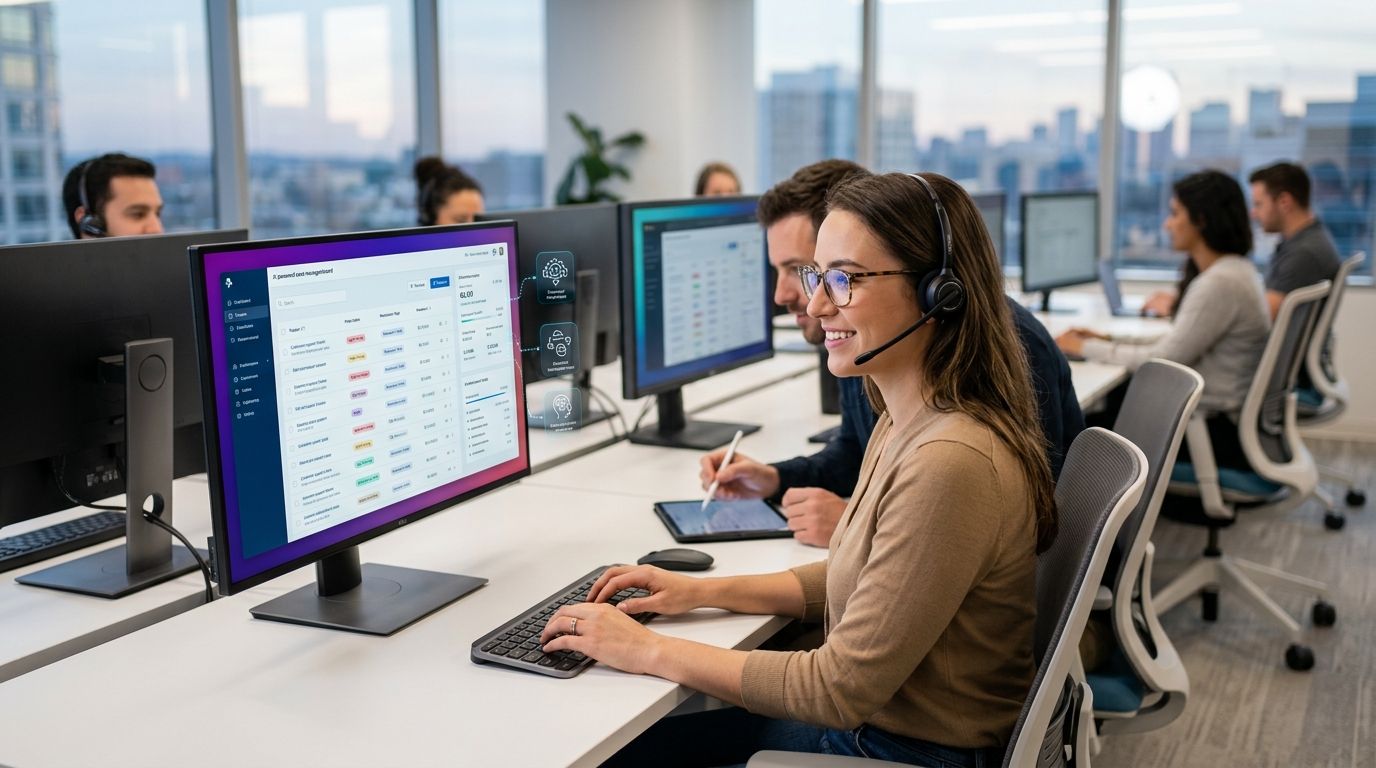
AI case management software for support teams routes guest complaints — a cold popcorn machine, a broken shower, a slow table — to the right person before the guest posts a review instead of filing a report. CineScope is the best overall pick for multi-location guest-facing operators in 2026, built specifically for cinema circuits, hotels, and restaurants that need anonymous, location-tagged reporting with AI triage.
- CineScope wins for multi-location guest-facing venues with AI-triaged case routing and POS-synced dashboards.
- General IT helpdesk platforms handle internal tech tickets, not anonymous guest complaints, in 2026.
- Spreadsheet-and-email tracking works for a single location piloting a process, not for chains.
- Paper comment cards still lose data across locations and delay routing by days.
- AI case management software for support teams needs anonymous reporting, human-confirmed triage, and SLA alerts to earn a spot on this list.
Why this matters
A guest who hits a broken restroom door or a warm beer tap rarely tells staff — they leave and write the review later. CineScope's guest feedback platform exists because that gap between the incident and the review is where most operators bleed repeat visits, and generic ticketing tools were never built to close it.
Support teams at single-site businesses can survive on a shared inbox. Teams running 10, 30, or 90 guest-facing locations in 2026 cannot — cases pile up faster than a human triage queue can sort them, and by the time someone reads the email, the guest already left. That's the gap AI case management is meant to close, and it's also where most tools marketed as "case management" quietly fall short, because they were built for internal tech tickets, not anonymous guest complaints. A general incident reporting software comparison makes the same point from a different angle: the tool has to match the reporting channel, not just the case-tracking backend.
What makes the best AI case management software for support teams
- Anonymous, location-specific reporting — a guest or staff member can flag an issue without logging in or naming themselves
- AI triage with human confirmation — severity and routing get sorted automatically, but a person still signs off before a case closes
- SLA warnings — the system flags a case before it ages past the resolution window, not after
- Photo and context capture — a checked photo beats a text description for anything mechanical or physical
- POS or occupancy context — cases tie back to which showtime, which shift, which table turn actually happened
- Exportable records — PDF and spreadsheet exports for audits, insurance, or franchise reporting
At a glance
| Option | Best for | Standout feature | Key limitation |
|---|---|---|---|
| CineScope | Multi-location guest-facing venues (cinemas, hotels, restaurants) | AI triage with human confirmation + POS-synced dashboards | Cinema-only features (per-film ratings, occupancy index) don't carry over to the Standalone plan |
| General IT helpdesk platforms | Internal tech/IT ticket queues | Mature integrations with internal IT stacks | No anonymous guest-facing intake, no location tagging for physical incidents |
| CRM-bolted ticketing modules | Teams already tracking named guests inside a CRM | Case data sits next to the guest's existing profile | Anonymous reporting is typically absent; no built-in AI severity triage |
| Spreadsheet-and-email tracking | Single-location pilot before buying software | Zero new tool cost, starts same day | No SLA alerts, no triage, breaks down past a handful of locations |
| Paper comment cards | Legacy operators not yet ready to go digital | No tech barrier for the guest | No real-time routing, no photo evidence, no cross-location rollup |
1. CineScope: best AI case management for multi-location guest-facing venues
CineScope runs anonymous, location-specific QR reporting with optional AI triage. Clear genuine reports can be released to the right people; uncertain reports and every emergency wait for a person. Reports carry checked photos and translated text, and guests keep a private status link. Staff get assignment, notes, SLA warnings, notifications, a Monday digest, exports, role-scoped access, security logs, and self-service backups. Cinema adds POS-derived occupancy and patron context, per-film ratings, standard NPS, and showtime data.
CineScope pros:
- Anonymous QR reporting means guests report the pump, the seat, or the restroom door without an app download or account
- Optional AI triage releases clear cases while uncertain and emergency reports wait for a person
- SLA warnings and a Monday digest keep managers from letting cases quietly age out
- Role-scoped access, two-step verification, and Face ID sign-in keep the case log restricted to who needs it
CineScope cons:
- Cinema-only features — per-film ratings, occupancy index, showtime optimization — are not included on the Standalone plan
- Reporting funnels through QR and digital channels; there's no dedicated phone hotline in the published feature set
- Rolling out QR placards across every location takes coordination up front, even though there's no hardware fee
CineScope pricing: published, tiered by plan and location count, billed annually or monthly — both plans include unlimited users, admins, and QR placards with no onboarding or per-user fee. Check the current tiers before signing.
Best for: operators running multiple guest-facing locations — cinemas, hotels, restaurants — who need AI-triaged case routing tied to actual location and POS context.
Verdict: Buy if you run more than one guest-facing location and complaints are currently going straight to Google reviews. A related breakdown of guest feedback software for cinemas covers the film-specific mechanics in more depth.
See CineScope's case routing live
AI-triaged, POS-synced case management for guest-facing locations.
2. General IT helpdesk platforms: best for internal tech ticket queues
These tools manage IT and internal-support tickets — password resets, software bugs, hardware requests. They were built for employees filing tickets against a known internal system, not guests reporting a physical issue anonymously.
General helpdesk pros:
- Deep integrations with internal IT stacks and asset management
- Mature SLA and escalation rules for tech-support workflows
- Wide adoption means IT staff are already trained on the interface
General helpdesk cons:
- No anonymous guest-facing intake — a guest has no reason to log into an internal ticketing tool
- No location or POS context tying a case to a specific auditorium, room, or table
- Built around an internal agent queue, not a public-facing QR entry point
Best for: internal IT and facilities tickets, not guest complaints.
Verdict: Skip for guest-facing case management; Hold if you already run one for internal IT and aren't replacing that function.
3. CRM-bolted ticketing modules: best for tracking named-guest complaints
Some CRM suites bundle a case or ticket module alongside the contact record. If a hotel already logs every guest by name and stay history, a case shows up next to that profile automatically.
CRM ticketing pros:
- Case history sits next to the guest's full contact and purchase record
- Useful when every guest is already a named CRM contact, not a walk-in
- No new login system for staff already working inside the CRM
CRM ticketing cons:
- Anonymous reporting is typically not built in — the case ties to an identified contact
- No location-tagged QR entry point for a walk-in guest
- AI severity triage, when present at all, is usually a bolt-on rather than the core design
Best for: teams tracking complaints from identified, repeat guests already inside a CRM.
Verdict: Hold — only stays useful if you're not trying to capture anonymous, first-time-visitor complaints.
4. Spreadsheet-and-email tracking: best for a single-location pilot
A shared spreadsheet and a forwarding inbox is how most operators start before buying anything. It costs nothing extra and can be running by the end of the day.
Spreadsheet tracking pros:
- No procurement, no new login, no training curve
- Fast to start testing whether a formal reporting process helps at all
Spreadsheet tracking cons:
- No automatic triage or severity sorting — every row gets read manually
- No SLA alerts, so cases age silently until someone checks
- Falls apart past a handful of locations; nobody owns the master file
Best for: a single location testing whether formal case tracking changes anything before committing budget.
Verdict: Wait — fine for 30 to 60 days of testing, not a long-term system.
5. Paper comment cards: best for legacy, low-tech feedback
A card and a box on the counter. Still common at small, single-site operators that haven't moved any part of guest feedback online.
Paper comment card pros:
- Zero technology barrier for the guest
- Cheap to set up and requires no staff training
Paper comment card cons:
- No real-time routing — someone has to physically check the box
- No photo evidence for anything mechanical or structural
- Impossible to roll up data across more than one location
Best for: a single, low-volume location not ready to digitize any part of guest feedback.
Verdict: Skip the moment you open a second location.
How we ranked
Each option was measured against the six criteria above: anonymous intake, AI triage with human confirmation, SLA alerting, photo capture, POS or occupancy context, and exportable records. CineScope is the only option on this list built around all six for guest-facing, multi-location operations; the rest trade one or more away depending on what they were originally designed to track.
“They don't complain — they leave. Case management software only works if the guest never has to find you first.”
Which AI case management software for support teams should you choose?
Running more than one guest-facing location in 2026 — a cinema circuit, a hotel group, a restaurant chain — CineScope is the default pick: anonymous QR intake, AI triage with human confirmation, and POS-tied context on the Cinema plan. Running internal IT tickets only, stick with a general helpdesk platform. Testing the idea at a single site before buying anything, a spreadsheet buys you 30 to 60 days of real data. Running paper cards past a second location is the one option on this list with no scalable path forward — that's the moment to switch.
FAQ
What is AI case management software for support teams?
It's software that intakes a reported issue — a guest complaint, a maintenance problem, an incident — and uses AI to triage severity and route it to the right person, usually with a human confirming before the case closes. In 2026, the strongest versions also tag the case to a specific location and tie it to context like POS or occupancy data.
Is CineScope better than a traditional helpdesk ticket system for guest complaints?
Yes, for guest-facing use cases. A traditional helpdesk is built for internal employees filing tickets against known systems, while CineScope is built for anonymous guests reporting issues by location, with AI triage and human confirmation before resolution.
How much does AI case management software cost in 2026?
Costs vary by plan and location count, with most vendors publishing tiered annual or monthly rates. Check each vendor's current pricing page directly, since tiers and inclusions change.
Can small operators use spreadsheet tracking instead of a case management platform?
For a single location piloting the idea, yes, for 30 to 60 days. It breaks down once you add a second or third location because nobody owns triage or SLA tracking manually.
Does AI triage replace human staff in case management?
No. The strongest systems, including CineScope, pair AI triage with a human confirmation step before a case closes, so the AI sorts and routes but a person still signs off.
What's the difference between CineScope Standalone and Cinema plans?
Both plans share core case management features like anonymous QR reporting, AI triage, and SLA warnings. The Cinema plan adds film-specific tools: per-film guest ratings, POS-derived occupancy and patron context, showtime scheduling, and room swaps.
How fast should support teams resolve guest-reported cases?
Resolution speed should be measured against an SLA the system flags before it's breached, not after. The specific window depends on the type of issue — a safety hazard needs same-shift resolution, a cosmetic issue can wait longer.
Do CRM ticketing modules count as case management software?
They function as case management for named, identified guests already in the CRM, but most lack anonymous intake and location-tagged QR entry points, which limits them for walk-in guest complaints.
One last thing
The gap that actually kills repeat visits isn't slow resolution — it's the guest never reporting at all. A case management system only earns its budget line if the reporting channel is easier than opening a review app, which is the entire argument for anonymous, location-tagged QR intake over any ticket system that asks a guest to log in first.